How to Write YouTube Titles That Get Clicks (2026 Guide)

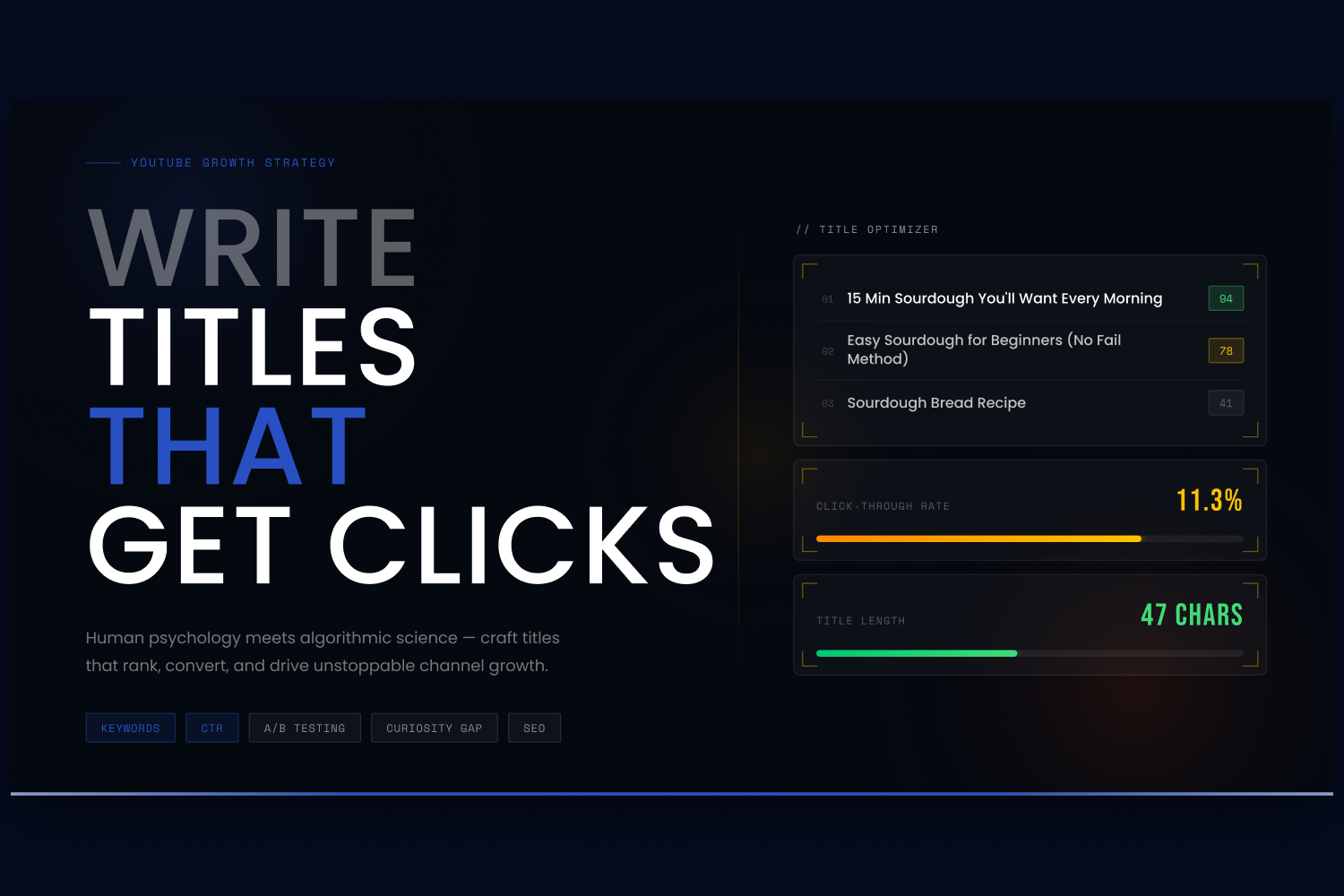
You can spend 50 hours scripting, filming, and editing a masterpiece of a YouTube video, but if no one clicks on it, that content effectively does not exist.
Your title and thumbnail are not just the "wrapper" for your video; they are the actual product your audience evaluates before deciding to invest their time. A poorly packaged video creates a downward algorithmic spiral—fewer clicks lead to less promotion from YouTube.
Writing YouTube titles that get clicks is a mix of human psychology and algorithmic science. Here is exactly how to craft titles that grab attention, rank in search, and skyrocket your channel's growth.
1. The Anatomy of a Clickable Title
There is a proven formula to crafting titles that attract viewers without resorting to deceptive tactics.
- Keep it under 60 characters: Over 70% of YouTube watch time happens on mobile devices. If your title is too long, it will be cut off by an ellipsis (...), hiding your most compelling hooks. Aim for under 60 characters to ensure full visibility.
- Front-load your keywords: YouTube's algorithm and fast-scrolling human eyes both prioritie the beginning of your title. Place your main keyword as early in the title as naturally possible.
- Engineer a curiosity gap: A great title doesn't just describe the video; it asks a question or highlights an extreme outcome that the viewer needs to resolve. Use power words to create curiosity or urgency. For example, instead of "Sourdough Bread Recipe," use "15 Minute Sourdough Recipe You'll Want Every Morning".
- Keep it honest: Clickbait kills channels. If your title promises something the video doesn't deliver, viewers will leave immediately. This tanks your Average View Duration (AVD), which signals to YouTube that your video is disappointing, effectively killing its reach.
2. Find the Right Keywords First
You cannot write a high-performing title for a topic nobody cares about. Before you finalise your title, you need to validate the demand.
Your goal is to find keywords with high search volume and low competition. Instead of targeting highly saturated, broad keywords, aim for "long-tail" phrases (e.g., "easy sourdough for beginners") to compete in less crowded spaces.
Tools to help:
- vidIQ: The vidIQ Keyword Research tool is fantastic for identifying the exact terms your audience is searching for. It provides an "Overall Score" that weighs search volume against competition, making it easy to spot green-light opportunities.
- OutlierKit: If you want to go a step further, OutlierKit analyes your niche to find "outlier" topics—videos performing 5 to 10 times above a channel's average—helping you identify low-competition keywords with proven demand.
3. Leverage AI Title Generators
Coming up with the perfect blend of emotional triggers and SEO keywords can be exhausting. Fortunately, AI tools trained specifically on YouTube data can do the heavy lifting for you.
Tools to help:
- vidIQ AI Title Generator: Unlike generic AI chatbots, vidIQ's generator is built specifically for YouTube. You simply input your topic or keywords, and the AI blends them with proven click-driving formulas to give you multiple variations instantly.
- UTubeKit: If you are on a budget, UTubeKit offers a completely free, AI-powered title generator and "Title Scorer" that requires no signup and gives you rapid ideation.
- Jasper: For creators wanting to maintain a specific brand voice, Jasper's AI can take a video topic and generate engaging, conversational titles and outlines that match your channel's unique tone.
4. A/B Test Your Titles (The Secret to Scaling)
Even the best YouTube strategists don't rely on gut feelings—they test. A/B testing shows that title changes can significantly impact your Click-Through Rate (CTR).
If you publish a video and notice a low CTR after the critical first 48 to 72 hours, swap the title for one of your backup options. Better yet, automate this process.
Tools to help:
- Thumbnail Test: This tool allows you to run automated hourly or daily A/B tests on your titles and thumbnails. It tracks every click and uses real data to determine which combination performs best, entirely removing the guesswork.
- TubeBuddy: TubeBuddy’s Legend plan includes native A/B testing directly integrated into your YouTube Studio, automatically rotating titles and thumbnails until statistical significance determines a winner.
The Bottom Line
To win the click, you need to write for humans but optimie for the algorithm. Lead with strong keywords, keep your titles concise, and use tools like vidIQ to validate your ideas before you hit publish.
If you liked that why not take a look
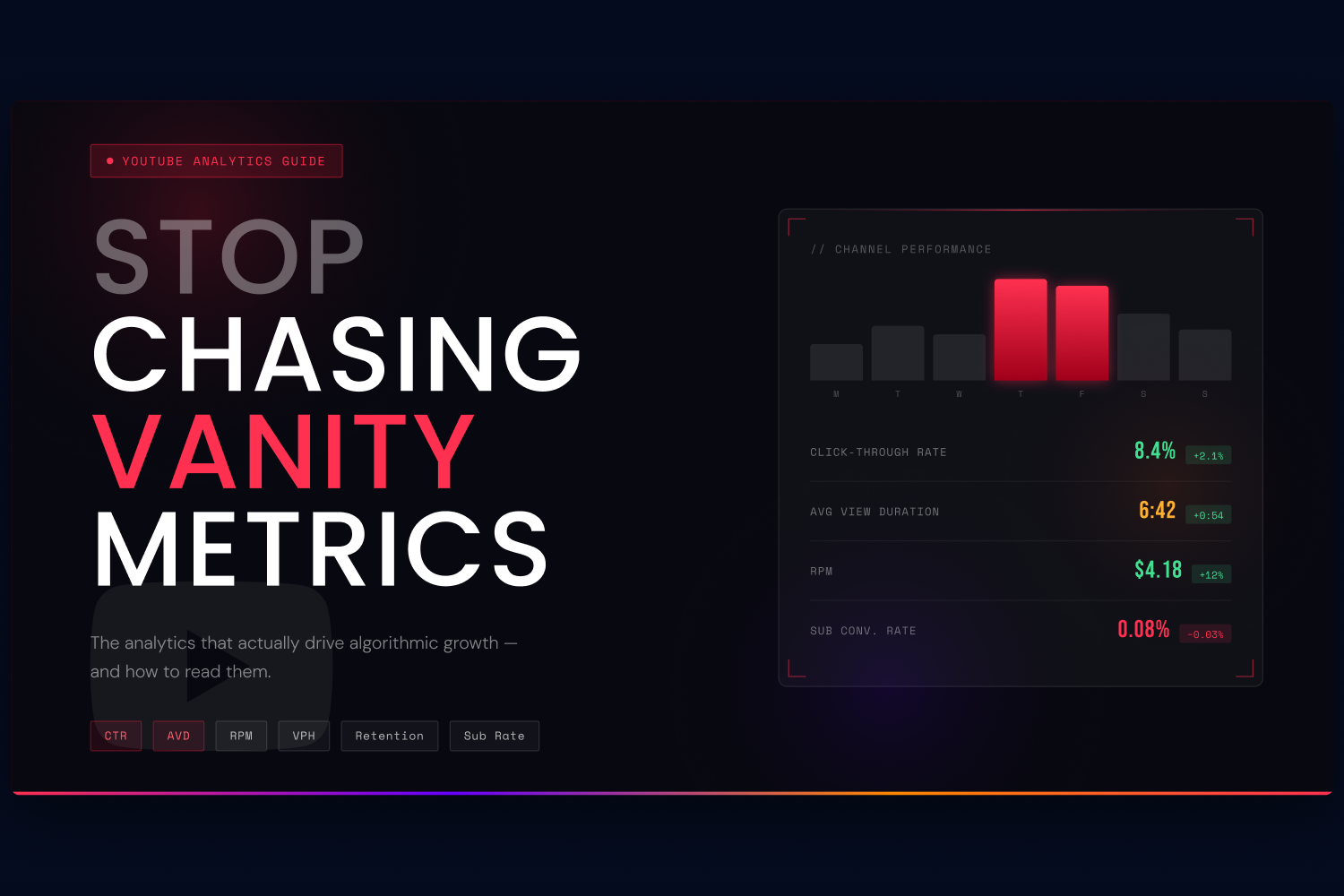
YouTube Analytics: The Metrics That Actually Matter
Stop obsessing over view counts. Learn the YouTube analytics metrics — CTR, AVD, RPM, and more — that the algorithm actually uses to promote or bury your videos.
YouTube Optimisation vs Channel Management: What's the Difference?
YouTube video optimisation focuses on individual videos. Channel management covers your entire channel strategy. Here's how they differ, what each costs, and which one you actually need.
How Much Does YouTube Channel Management Cost in 2026?
YouTube channel management typically costs £1,500-£5,000+/month depending on the model. We break down retainers, revenue shares, and credit-based pricing — and what to watch out fo
What Does a YouTube Agency Do? (And Should You Hire One?)
A YouTube agency handles video optimisation, channel management, paid media, and monetisation. Here's what they actually do day-to-day, when it's worth hiring one, and what to watch out for.
Youtube's Priorities For 2023: What You Need To Know
YouTube has big plans for 2023! From new creator tools to AI innovations and monetization updates, this blog explores everything you need to know about YouTube’s latest priorities.

Youtube Algorithm Demystified: Understanding How It Works And How To Use It To Your Advantage
How does the YouTube algorithm really work? In this blog, we simplify the complexities of the algorithm and provide actionable tips to help your videos get more reach and engagement.

Ready to maximise your YouTube revenue?
Get in touch and let’s begin exploring your channel’s hidden potential.