How Often Should You Post on YouTube? (Hint: Work Smarter, Not Harder)

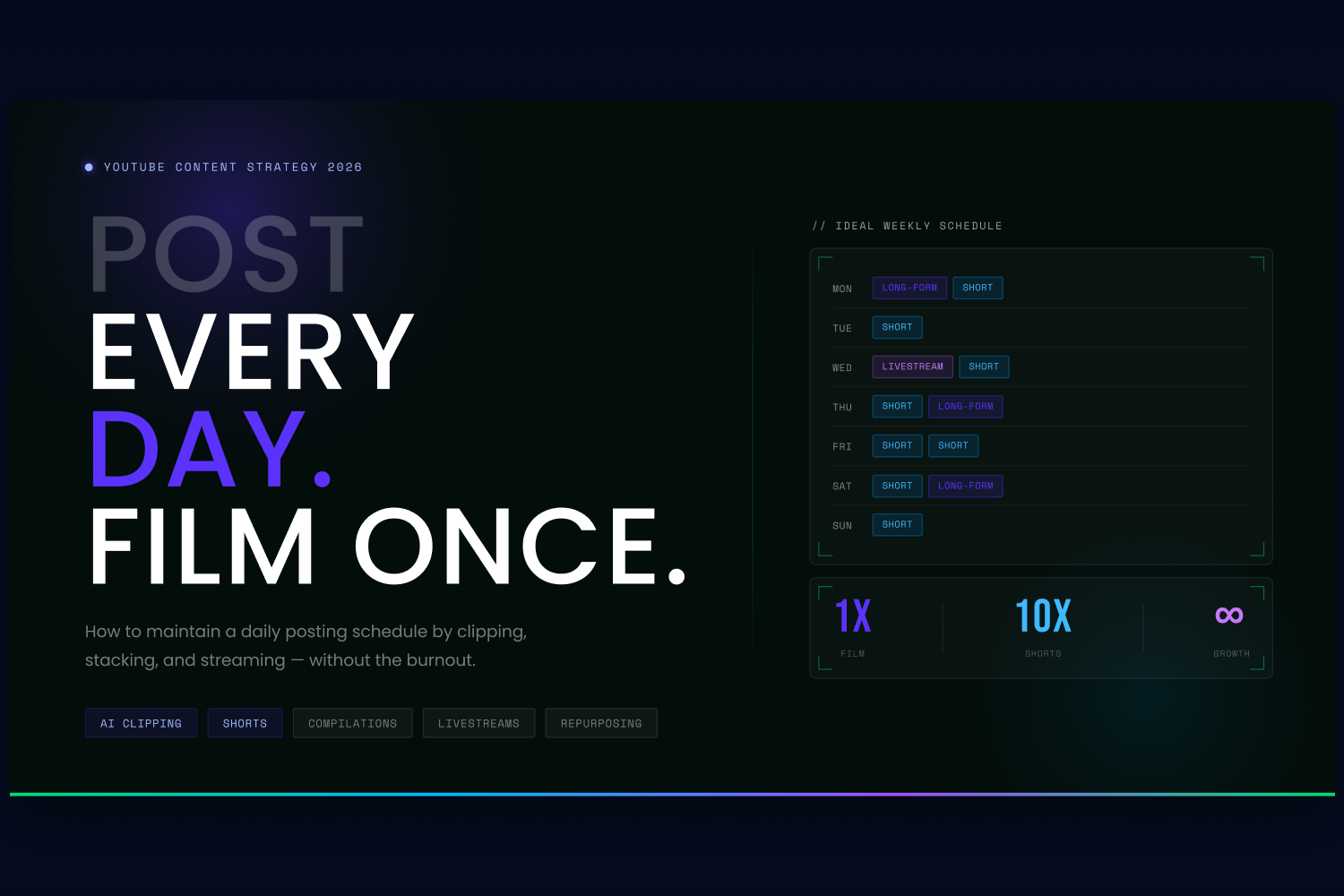
If you ask any successful creator what the secret to YouTube growth is, they will inevitably say "consistency." Regular uploads boost your algorithmic visibility, improve viewer retention, and build long-term subscriber trust.
But does consistency mean you have to script, film, and edit a brand-new, 10-minute video every single day? Absolutely not.
In 2026, the answer to how often you should post isn't about working yourself into burnout; it's about treating a single piece of content like a massive resource engine. Here is how you can maintain a high-frequency posting schedule—like posting one long-form video a week and one Short every day—by clipping, stacking, and streaming.
1. The "Clipping" Strategy: Turn 1 Video into 10 Shorts
You no longer need to shoot dedicated content for every day of the week. Instead, your goal should be to create one high-quality, long-form video (or podcast) each week, and then repurpose it. One long-form video should become 10+ pieces of short-form content.
By extracting the best moments from your main video, you can utilise YouTube Shorts to drive daily traffic back to your channel.
Tools to help:
- OpusClip & Submagic: These AI platforms are specifically designed to take a horial (16:9) video and automatically turn it into a vertical Short. OpusClip uses AI to identify the most engaging or "viral-worthy" moments, automatically reframes the speaker, and adds trendy animated captions.
- Buffer & Later: Once you have your batch of 10 Shorts, you can use tools like Later (which specialies in short-form visual content) or Buffer to schedule them to automatically publish throughout the week.
2. Stacking Videos: The Power of Compilations
What happens to your videos after they have been live for six months? For most creators, they die in the archives.
To increase your posting frequency without filming anything new, start "stacking" your older videos. If you have five different 10-minute videos about "Video Editing Tips," combine them into a single, seamless 50-minute "Ultimate Video Editing Masterclass."
Compilations are incredibly powerful for YouTube's algorithm because they generate massive Average View Duration (AVD) and watch time. Viewers love "all-in-one" guides, and it gives you a high-value piece of long-form content to post on a week when you don't have time to film something new.
3. Livestreams: The Ultimate Content Engine
Livestreams are the ultimate cheat code for maintaining a high posting frequency. A single 60-minute stream provides you with a massive amount of raw material to fuel your channel.
- Go Live for Engagement: Live streams build deep community trust through real-time interaction.
- The Pre-Recorded Hack: If you are camera-shy or terrified of making a mistake live, you can use tools like LiveCaster 3. This software allows you to take a pre-recorded, highly polished video and broadcast it to YouTube as if it were a live event. You get the algorithmic boost of a livestream while having the freedom to just hang out in the chat with your viewers.
- Post-Stream Clipping: Just like your standard uploads, run your finished livestreams through an AI clipping tool to generate another week's worth of Shorts.
4. Never Run Out of Ideas (The AI Assist)
The biggest bottleneck to posting consistently is simply figuring out what to post. If you are going to commit to a weekly long-form schedule, you need data-driven ideas.
Tools to help:
- vidIQ Daily Ideas: This AI-powered tool acts as your personal brainstorming assistant. It analyes your channel's history, related keywords, and competitor performance to give you 50 personali high-potential video ideas every single day. It even predicts the view potential of each idea so you know exactly which video to prioriti.
- OutlierKit: If you want to dive deeper, this tool scans millions of videos to find "outliers"—videos performing 5 to 10 times better than a channel's average—helping you spot viral trends before your competitors do.
The Ideal Posting Schedule
So, how often should you post? If you use the strategies above, your ideal schedule could look like this:
- 1x a week: Publish a high-quality Long-Form Video or Livestream.
- 5-7x a week: Publish YouTube Shorts (clipped directly from your weekly long-form video using AI).
- 1x a month: Publish a "Stacked" Compilation video to drive massive watch time.
By utilising AI clipping, stacking old content, and leveraging livestreams, you can effectively post every single day while only actually filming once a week.
If you liked that why not take a look
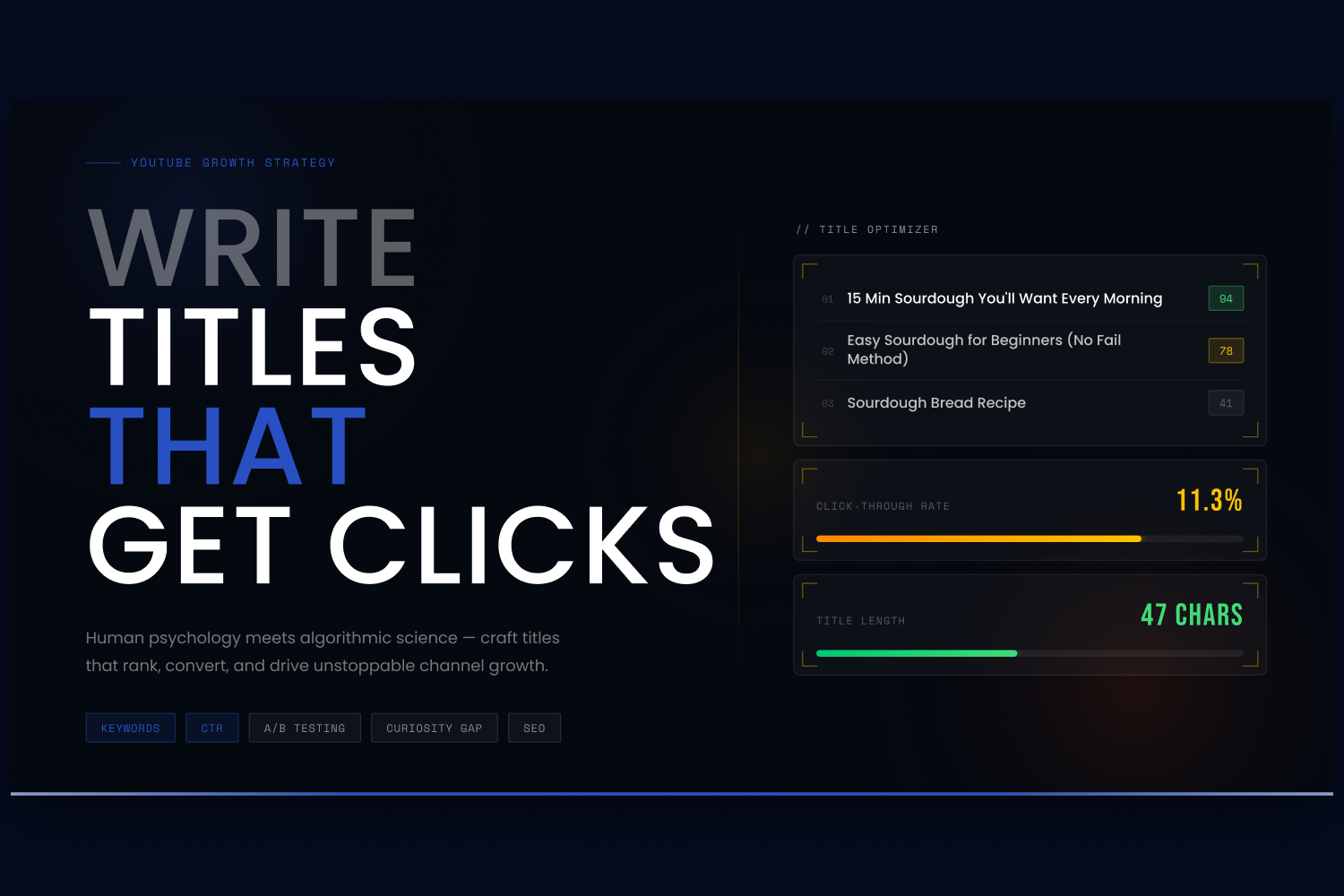
How to Write YouTube Titles That Get Clicks (2026 Guide)
Learn how to write compelling YouTube titles that maximise your Click-Through Rate (CTR). Discover top keyword strategies, structural formulas, and AI tools like vidIQ to boost your views.
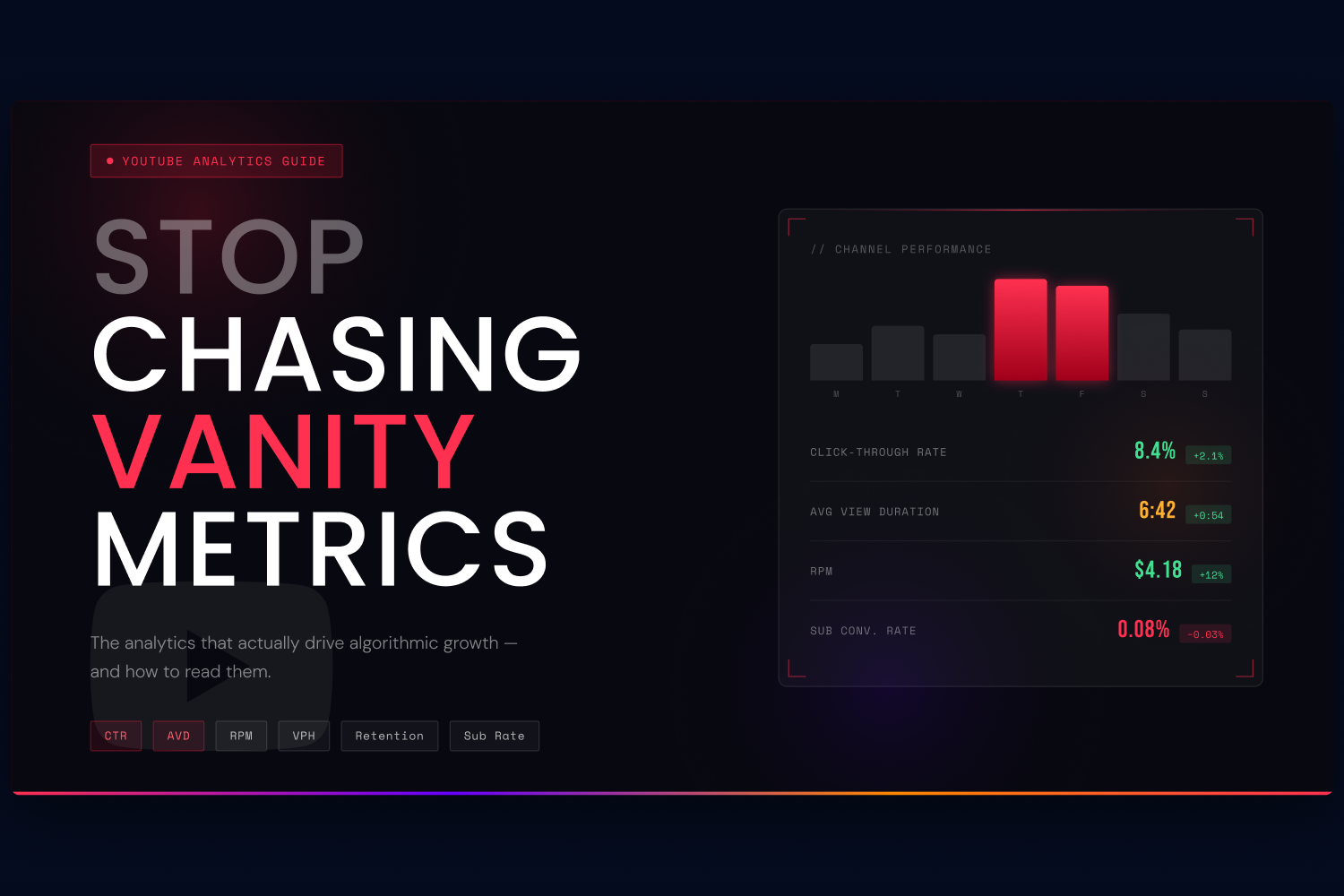
YouTube Analytics: The Metrics That Actually Matter
Stop obsessing over view counts. Learn the YouTube analytics metrics — CTR, AVD, RPM, and more — that the algorithm actually uses to promote or bury your videos.
YouTube Optimisation vs Channel Management: What's the Difference?
YouTube video optimisation focuses on individual videos. Channel management covers your entire channel strategy. Here's how they differ, what each costs, and which one you actually need.
How Much Does YouTube Channel Management Cost in 2026?
YouTube channel management typically costs £1,500-£5,000+/month depending on the model. We break down retainers, revenue shares, and credit-based pricing — and what to watch out fo
What Does a YouTube Agency Do? (And Should You Hire One?)
A YouTube agency handles video optimisation, channel management, paid media, and monetisation. Here's what they actually do day-to-day, when it's worth hiring one, and what to watch out for.

Youtube's Priorities For 2023: What You Need To Know
YouTube has big plans for 2023! From new creator tools to AI innovations and monetization updates, this blog explores everything you need to know about YouTube’s latest priorities.

Ready to maximise your YouTube revenue?
Get in touch and let’s begin exploring your channel’s hidden potential.