YouTube Descriptions That Drive Views (2026 Guide)

YouTube Descriptions That Drive Views
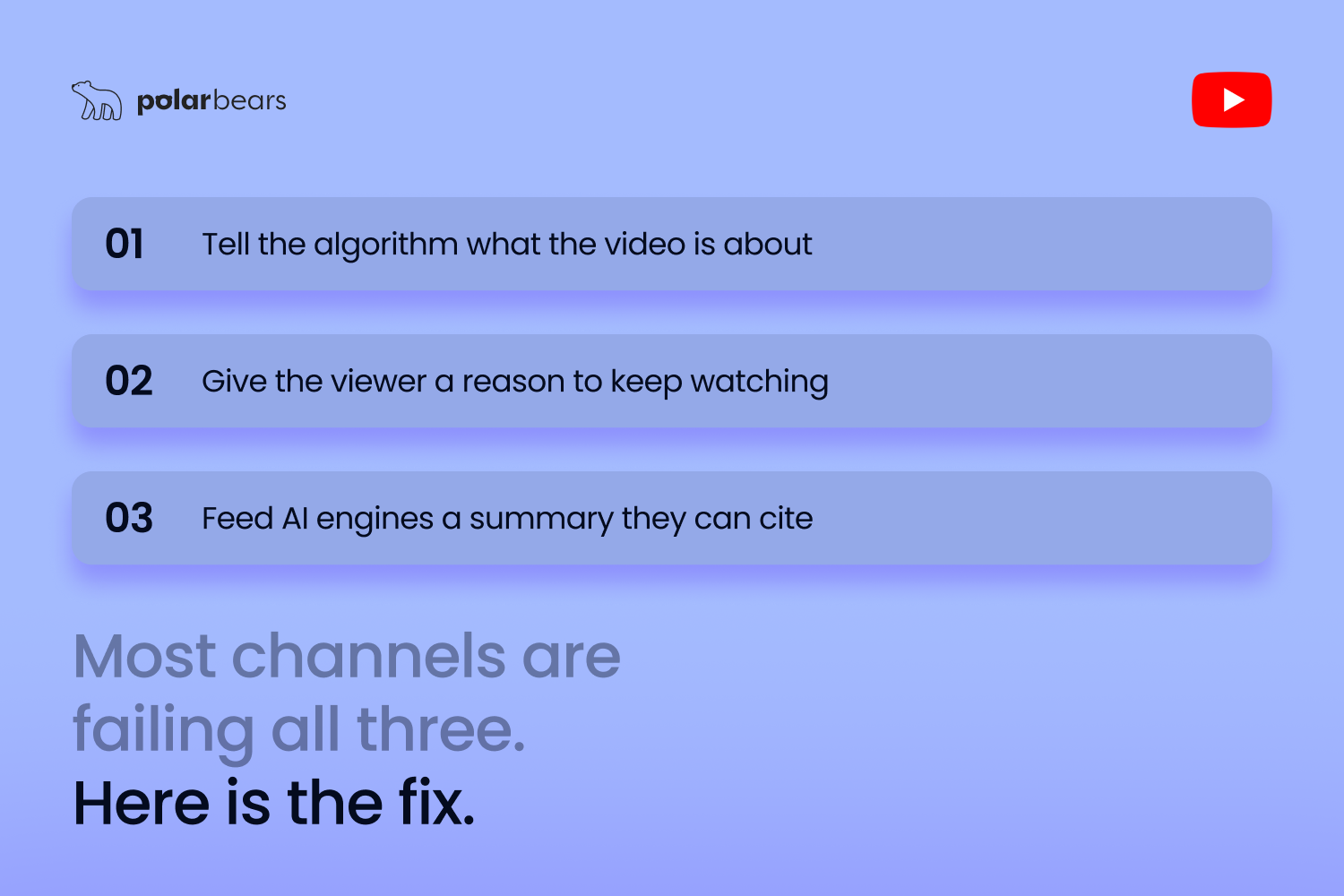
A YouTube description has three jobs: tell the algorithm what the video is about, give the viewer a reason to keep watching, and feed AI engines a clean summary they can cite. Most descriptions do none of those things. They contain a vague paragraph, a wall of links, and twelve hashtags, and then wonder why the video isn't moving.
A description that actually drives views is built around the first 150 characters, uses timestamps as a watch-time tool rather than a courtesy, and is structured so AI engines can read it as a self-contained summary of the video. Get those right and the description becomes a multiplier on every other optimisation lever you've already pulled.
What YouTube's Algorithm Actually Uses the Description For
YouTube's official guidance on descriptions confirms the description is one of the strongest signals for what your video is about, alongside the title, transcript, and chapter titles. The system reads it semantically, not as a bag of keywords.
The algorithm uses the description for three things in 2026:
Indexing. The description tells YouTube what the video is about and which queries it should match.
Suggested video matching. When YouTube decides which videos to show next to yours, the description influences the topical neighbourhood your video sits in. A weak description leaves your video stranded.
Search ranking. For the queries you want to rank for, the description's first 100-150 characters carry disproportionate weight. That's the snippet shown in search results and the part Google's systems prioritise when deciding relevance.
On top of those, AI engines now read your description as a summary of the video itself. ChatGPT, Perplexity, and Google AI Overviews regularly pull description text into citations even when they don't reach into the transcript.
The Structure That Works in 2026
A high-performing YouTube description follows a consistent shape:
The first 100-150 characters are the hook. Lead with the value, the answer, or the specific outcome the video delivers. This is what shows above the fold in search results and on the watch page before someone clicks "show more." It's also the chunk most likely to be quoted by AI.
The next 200-400 words expand on what the video covers. Write it like a summary of the video, not a sales pitch for the video. AI engines treat this section as the context for citation decisions.
Timestamps go after the summary, not at the very top. Putting them too early pushes the searchable summary out of the snippet zone.
Links sit below timestamps. Three to five relevant links are the sweet spot. More than that signals "spam description" and reduces clicks on the ones that matter.
Hashtags go at the very end, three to five maximum, all relevant to the actual video topic. The first three hashtags appear above the title on the watch page, which gives them a small but real CTR effect.
A clear sign-off line invites comments or subscribes. Keep it short.
Why Timestamps Multiply Watch Time
Timestamps and chapters are the single biggest description-side lever for retention. They turn a long video into a navigable resource, which means viewers who would have bailed at three minutes instead skip to the section they actually want and watch it through.
The retention impact is real. Channels we manage that add proper chapter markers consistently see average view duration climb by between 10% and 25% on long-form videos within the first month, with no other changes to the content. vidIQ's analysis of timestamp impact found similar lifts across the channels they tracked.
Chapters also unlock Key Moments in Google search and Clip-style citations in AI engines. The chapter title becomes a mini headline that AI can index and quote against. A chapter called "How much do YouTube ads cost in 2026?" with a 30-second answer underneath is exactly what an answer engine wants to surface.
The format that works:
```
0:00 Intro
0:42 The 3 mistakes most channels make
2:15 How much YouTube ads actually cost
5:30 Real CPV examples by industry
8:45 Free tools to check your benchmarks
```
Each chapter title should read like a question or a clear topic statement. Avoid generic labels like "Section 2" or "More info." You can also add an ellipsis or underscores to add visual separation.
Links, Hashtags, and the Click-Out Myth
The "click-out penalty" myth refuses to die. The claim is that linking out of YouTube hurts your video's reach. There's no evidence for this. YouTube has confirmed multiple times via Creator Insider that external links don't suppress ranking. The links that hurt you are the ones that confuse viewers about what the video actually is.
The rule is simple: link out only when the click serves the viewer. A free resource the video references, a related blog, a sign-up page tied to the topic. Affiliate links are fine when disclosed properly. Strings of unrelated links to your other social profiles add nothing and dilute the description.
Hashtags in 2026 still serve a small but real function. According to YouTube's hashtag policy, three to five relevant hashtags help YouTube understand topical association and show your video on hashtag landing pages. More than 15 hashtags triggers YouTube's spam classifier and removes all hashtag association entirely. Stick to three relevant ones and stop there.
Channel Description vs Video Description
The two get confused all the time, and they have completely different jobs.
A video description summarises and supports the individual video. It's tactical. It changes per video. It contains the timestamps, links, and topical keywords for that piece of content.
A channel description sits on your About page. It's strategic. It explains who the channel is for, what kind of content it produces, and what makes it worth subscribing to. It rarely changes. It uses broader, evergreen keywords for the channel niche, not the keywords for any single video.
A common mistake is treating the channel description as another video description. It should read more like a positioning statement than a piece of SEO content.
A Description Template That Works
The shape that consistently outperforms in 2026:
```
[Hook in 100-150 characters: the value or outcome the video delivers]
[300-400 Words summarising what the video covers, written for both viewers and AI parsing]
⏱ Timestamps
0:00 Intro
[Chapter markers with question-format or topic-clear titles]
🔗 Links mentioned
[3-5 Relevant links, properly labelled]
📺 Watch next
[1-2 Related videos from your channel]
#hashtag #hashtag #hashtag
```
Adapt the labels and emoji to your channel's tone. The structural shape is what matters: hook first, summary second, navigation third, links fourth, internal links fifth, hashtags last.
At The Polar Bears, our Video Optimisation service rewrites titles, descriptions, and tags for every video a client uploads, and the descriptions are where the biggest measurable improvements sit. Tightening the first 150 characters, restructuring chapters, and trimming the link wall regularly lifts CTR and average view duration across an entire back catalogue without changing a single video.
Mistakes That Quietly Kill Description Performance
The patterns that hurt descriptions most:
Generic openings. "In this video we discuss..." adds nothing and wastes the highest-value real estate on the page.
Keyword stuffing. The systems that promote videos to AI engines penalise descriptions that read as written for crawlers. The same patterns we cover in our guide to common YouTube SEO mistakes apply directly to descriptions.
No keywords at all. Writing as if the description is just a courtesy to viewers means leaving real ranking signal on the table.
Burying timestamps. Putting them at the very top pushes the summary out of the search snippet zone and reduces description SEO value.
Too many links. More than five external links signals spam to YouTube's classifiers and reduces clicks on the links that matter.
Hashtag stuffing. More than 15 hashtags removes all hashtag association entirely.
FAQ
How long should a YouTube description be in 2026?
A YouTube description should be between 300 and 500 words for most videos. The first 100-150 characters carry the most weight because they appear in search snippets and get cited by AI engines. The maximum allowed is 5,000 characters, but length past 500 words rarely adds value.
Do timestamps help YouTube SEO?
Yes, timestamps help both SEO and retention. They unlock Key Moments in Google search, give AI engines clean chapter-level content to cite, and lift average view duration by 10-25% for most long-form videos within a month of being added. They also reduce drop-off because viewers skip to the section they want instead of leaving.
How many hashtags should I put in a YouTube description?
Three to five hashtags is the sweet spot for YouTube descriptions in 2026. The first three appear above the video title on the watch page, which gives them a small but real CTR effect. More than 15 hashtags triggers YouTube's spam classifier and removes all hashtag association entirely.
Should I put links in my YouTube description?
Yes, but only links that genuinely help the viewer. Three to five relevant links is the sweet spot. There's no penalty for linking out, despite the persistent myth. The mistake is filling descriptions with strings of unrelated profile and product links that dilute the useful ones.
What is the difference between a channel description and a video description?
A video description summarises an individual video, contains timestamps and links, and changes per upload. A channel description sits on your About page, explains who the channel is for and what it produces, uses broader evergreen keywords, and rarely changes. They have different jobs and should be written differently.
Where should keywords go in a YouTube description?
Primary keywords belong in the first 150 characters of the description, written naturally. Supporting keywords spread through the 300-500 word summary section. Avoid keyword lists at the bottom of descriptions: they don't help and they look spammy to YouTube's classifiers and to AI engines.
Do YouTube description templates still work?
Yes, description templates still work in 2026, but only as a structural shell. The hook, summary, and chapter sections need to be rewritten per video. Channels that copy-paste the same description block across every upload, with only the timestamps changing, leak ranking and citation potential.
Want descriptions rewritten across your back catalogue without lifting a finger?
If you liked that why not take a look

What Security and Compliance Should a YouTube Agency Have?
Your agency holds your accounts and data. What SOC 2, ISO 27001, GDPR and Cyber Essentials actually mean, and what to ask before you sign.
Should Your YouTube Agency Work With Your Competitors?
Your agency might run your rival's channel too. Why agency conflict of interest matters, how good agencies keep competing clients apart, and what to ask.
What Should a YouTube Agency Put in Writing?
Most YouTube agencies dodge written commitments. What a good agency should promise: response times, reporting cadence, and fixing underperforming videos.
What Data Can You Take When You Leave a YouTube Agency?
Can you take your analytics, dashboards and custom reports when you leave a YouTube agency? What data is yours, what is not, and how to avoid lock-in.
Who Owns Your YouTube Channel When You Use an Agency?
You should own your YouTube channel, not your agency. How channel ownership works, owner vs manager access, and how to keep control on exit.
YouTube Image Posts: The New Format Most Brands Are Ignoring
YouTube image posts are moving into the main feed in 2026. What they are, why they keep your channel visible between uploads, and how brands should use them.

Ready to maximise your YouTube revenue?
Get in touch and let’s begin exploring your channel’s hidden potential.